GPS context on every capture
FieldWitness adds coordinates, address, altitude, accuracy, and compass direction when location is available—so each photo carries the proof your report needs.
GPS Photo & Inspection Reports
Capture field photos with GPS coordinates, address, time, altitude, and compass direction. Organize by project, verify integrity locally, and walk off site with a professional PDF—without uploading your photos to the cloud.
Trusted by contractors, property managers, installers, and insurance adjusters who need reliable field documentation.
From the first capture to a finished PDF, FieldWitness keeps every field photo organized, stamped, and ready to share.
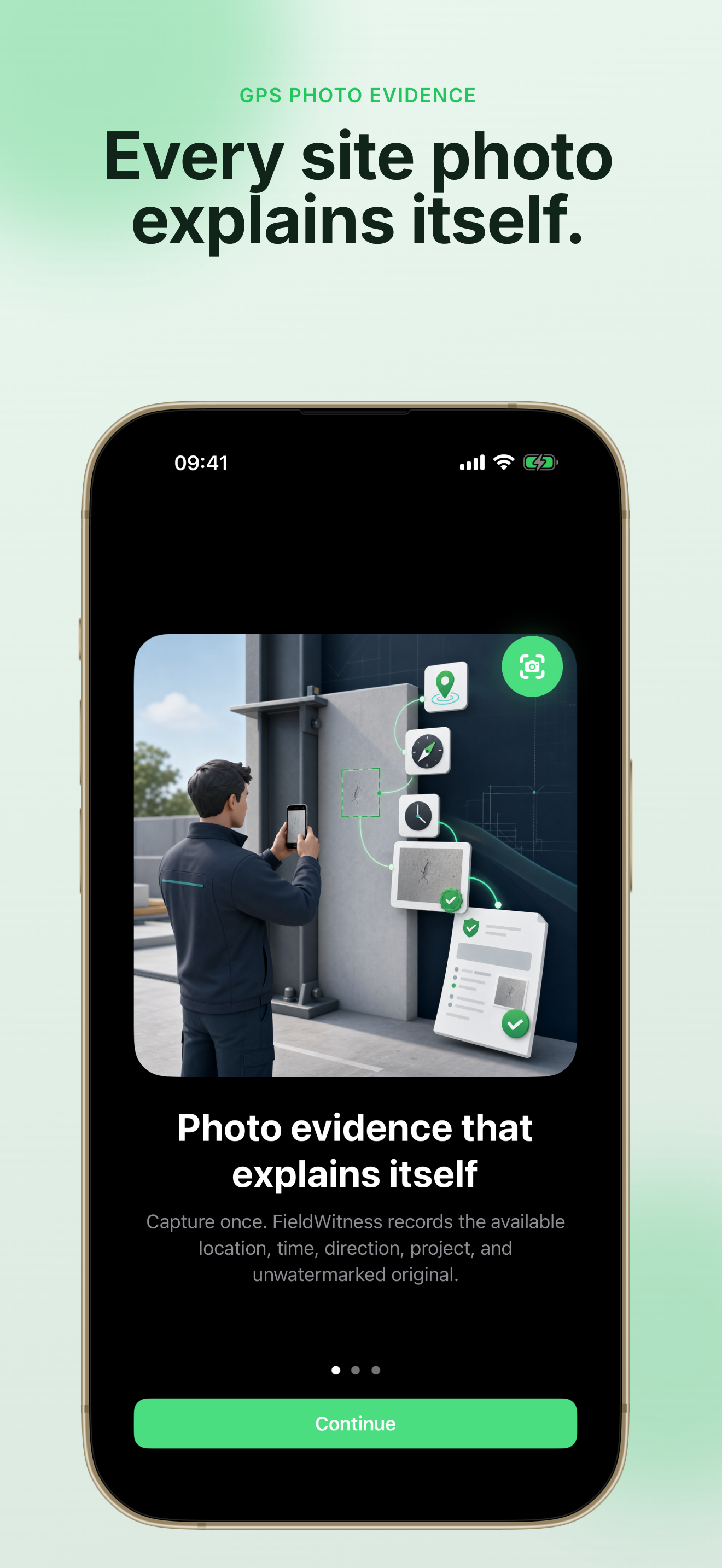
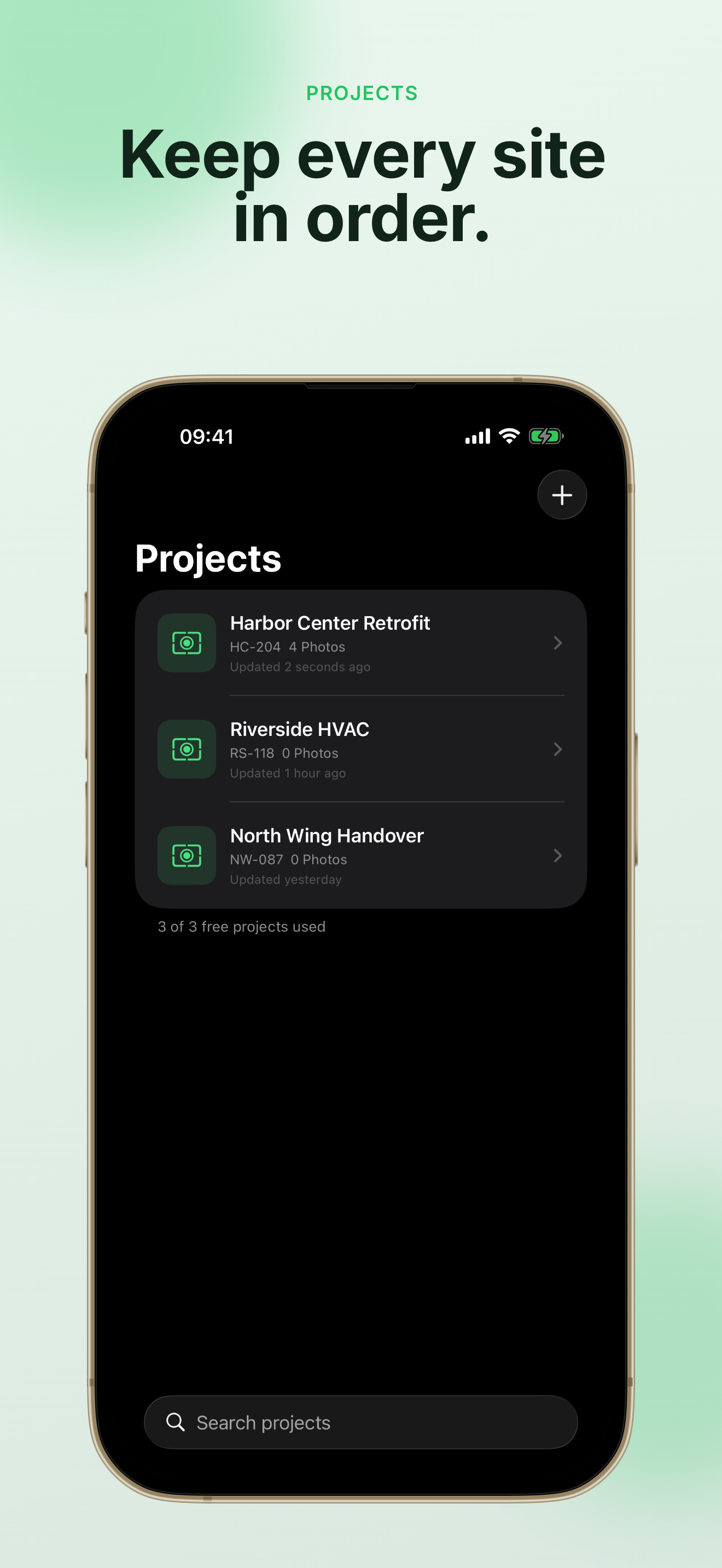
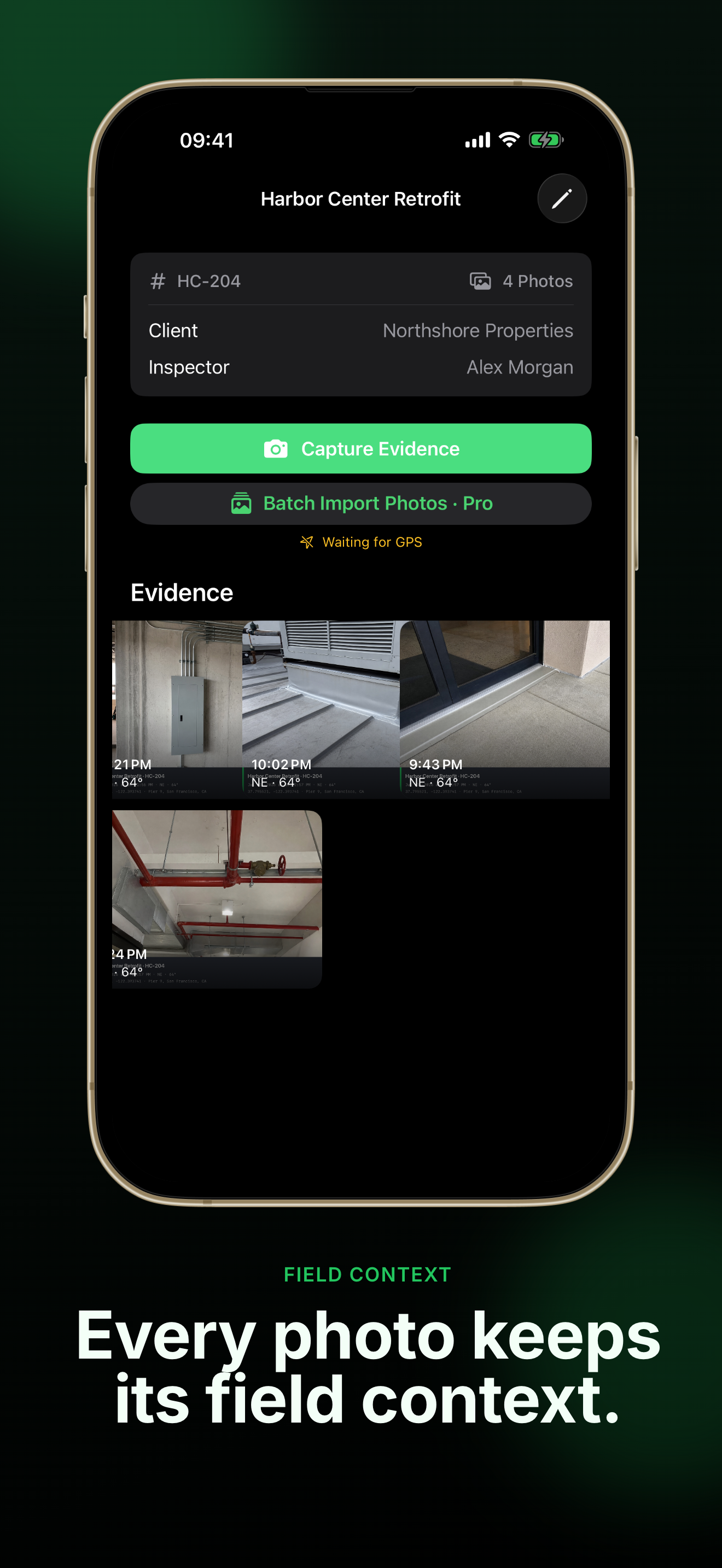
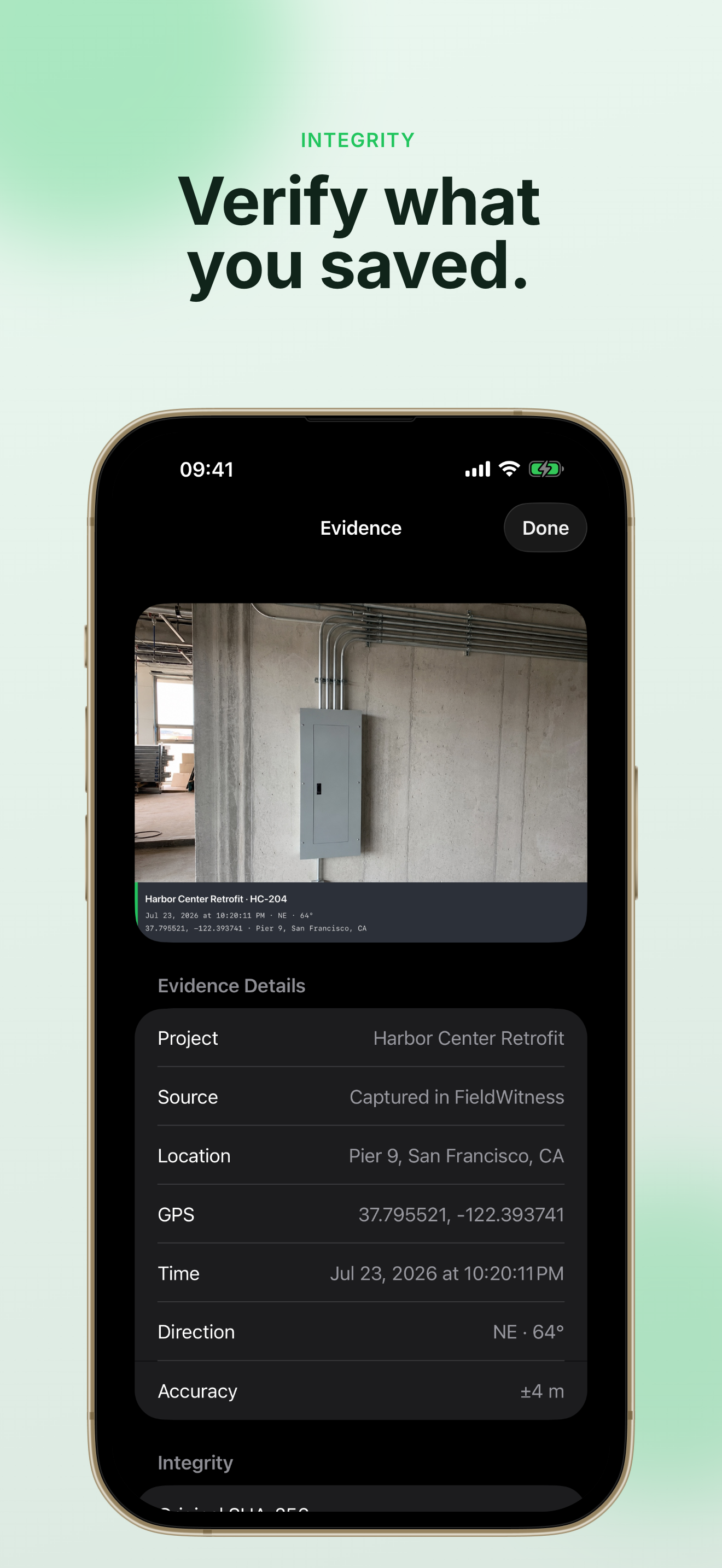
Every site visit needs photos that explain themselves. FieldWitness attaches the context your clients, adjusters, and managers expect—automatically.
Take a photo once and FieldWitness records available GPS coordinates, address, date, time, altitude, accuracy, and compass direction. You get a separate unwatermarked original and a professional stamped copy—ready for reports and claims.

Group photos by project with client, inspector, and site details. Add inspection notes, run local SHA-256 integrity checks, and keep originals separate from stamped copies—so every deliverable stays trustworthy.

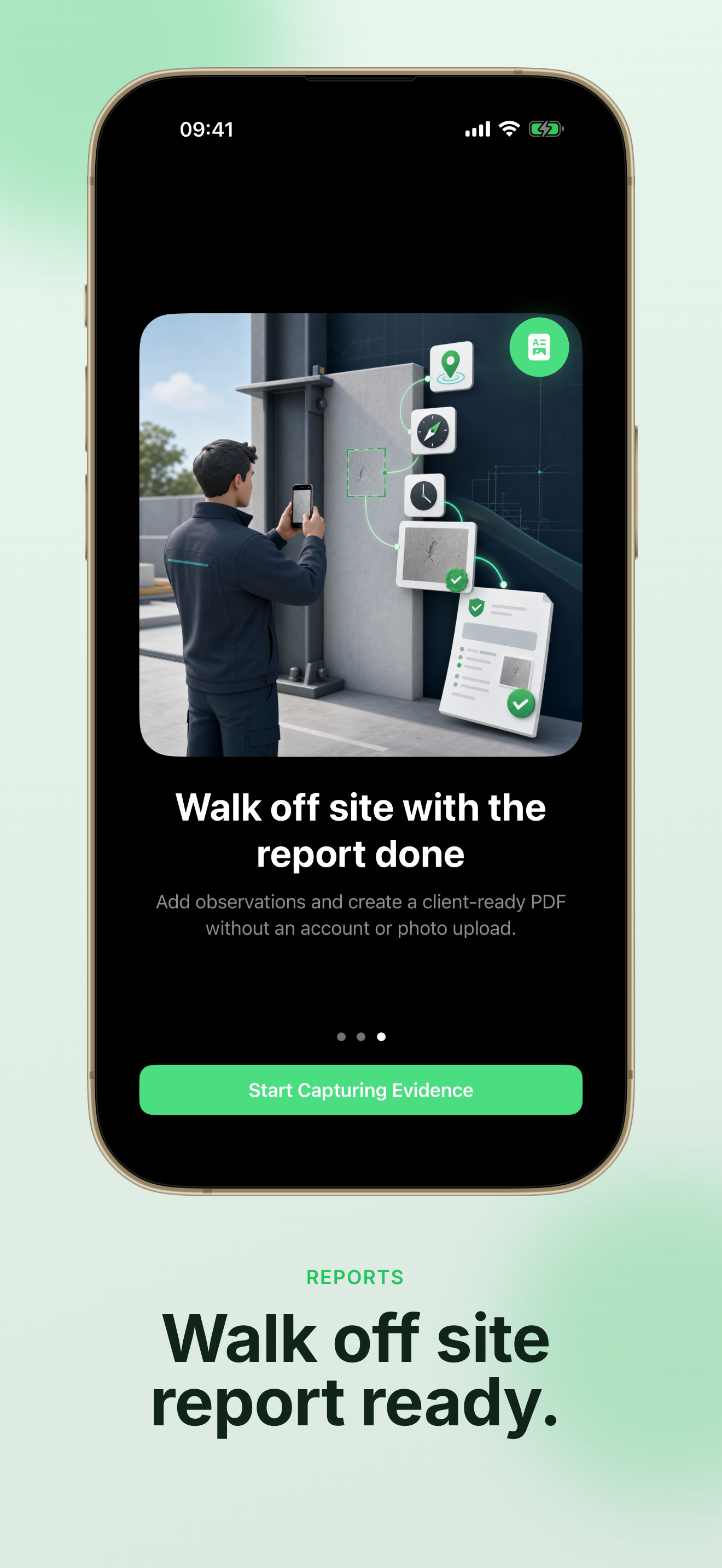
Generate clean PDF inspection reports on your iPhone. FieldWitness Pro adds company branding, batch photo import, industry PDF templates, and CSV, KML, and KMZ exports—so you can hand off documentation before you drive away.

Everything you need to document, verify, and deliver field evidence—without leaving your iPhone.
FieldWitness adds coordinates, address, altitude, accuracy, and compass direction when location is available—so each photo carries the proof your report needs.
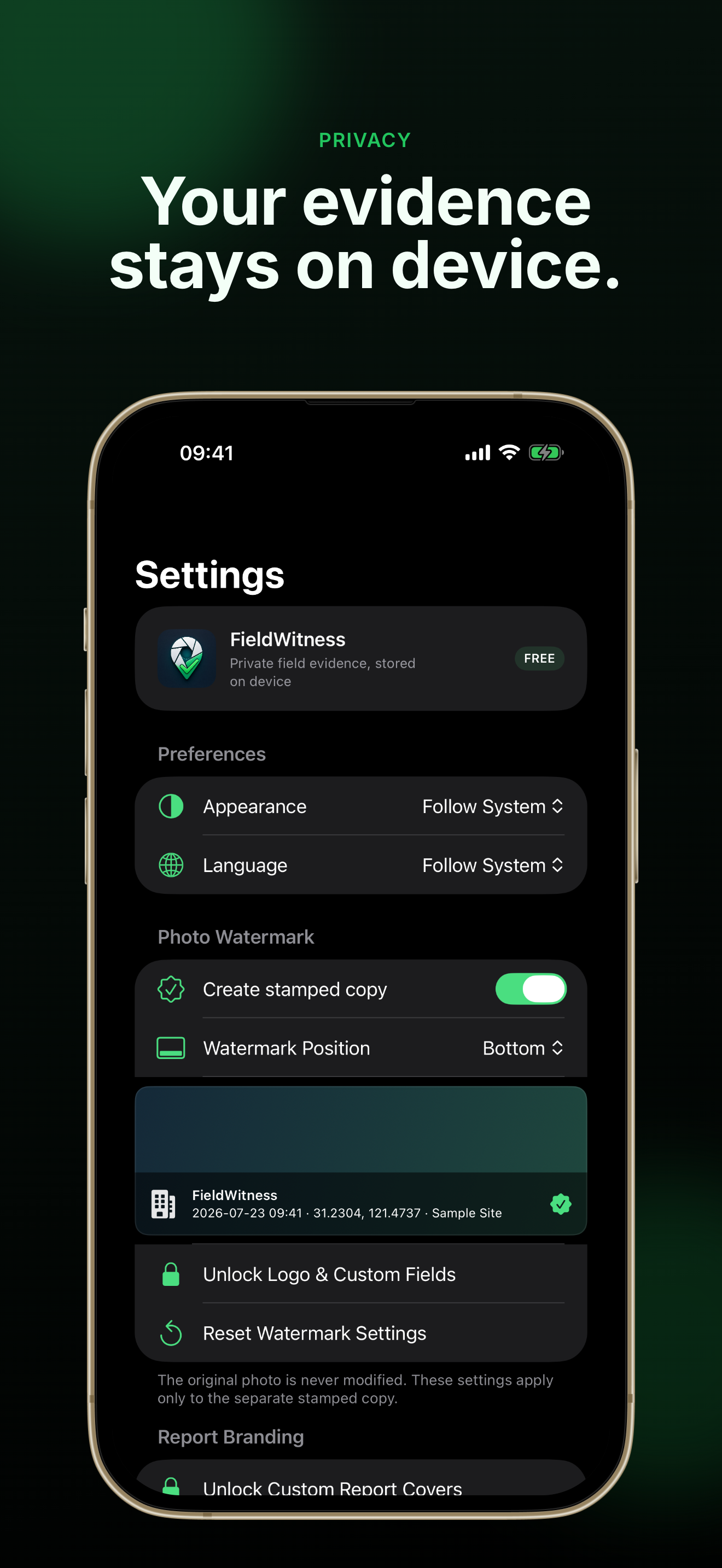
Keep an unwatermarked original and a professional stamped copy for every capture. Control watermark visibility and placement to match your workflow.
Run SHA-256 fingerprint checks on your files locally. FieldWitness helps you confirm evidence has not been altered before you share a report.
Turn project photos and notes into clean PDF inspection reports. Free includes up to three projects; Pro unlocks unlimited reports and templates.
No account required. Your projects and photos stay on your iPhone unless you choose to share or save them elsewhere.
Import up to 100 existing site photos in order. FieldWitness clearly labels imports and uses embedded EXIF date and GPS when available.
Whether you inspect buildings, maintain properties, or document insurance claims, FieldWitness fits the way you already work on site.
Document progress, defects, and punch-list items with GPS-stamped photos organized by project and ready for handover reports.
ContractorsTrack repairs, tenant issues, and routine walkthroughs with timestamped evidence your property team can trust.
FacilitiesRecord before-and-after photos with location context for installs, commissioning, and service calls.
InstallersCapture damage evidence with coordinates and timestamps. Export PDF reports or KML/KMZ maps for adjusters and carriers.
AdjustersYou can go from first capture to a finished report in minutes—no account signup and no photo upload required.
Add a project ID, client name, inspector, and site notes. FieldWitness keeps every capture tied to the right job from the start.
Take photos in FieldWitness or batch-import existing shots with Pro. Each capture saves an original and a stamped copy with available GPS and time context.
Allow location while using FieldWitness so new photos include coordinates, address, altitude, and direction.
Write inspection observations, verify file integrity locally, and generate a PDF report—or export CSV, KML, and KMZ with FieldWitness Pro.
Finish your report on site so clients and managers get documentation the same day.
Read FieldWitness FAQQuick answers about GPS photos, privacy, reports, and FieldWitness Pro.
No. FieldWitness does not require an account. Your projects and photos stay on your iPhone unless you choose to share or save them through the iOS share sheet.
When location is available, FieldWitness records coordinates, address, date, time, altitude, accuracy, and compass direction on new captures. Imported photos use their embedded EXIF metadata when present.
The free version includes up to three projects, GPS-stamped captures, original and stamped copies, inspection notes, local SHA-256 integrity checks, and PDF reports with up to ten photos.
FieldWitness Pro unlocks unlimited projects and reports, company logo and custom watermark fields, ordered batch import (up to 100 photos), industry PDF templates, custom report covers, smart file names, and CSV, KML, and photo-inclusive KMZ exports.
Yes, with FieldWitness Pro. Imported photos are clearly labeled and use their own embedded EXIF date and GPS metadata when available. FieldWitness never presents imports as in-app captures.
FieldWitness is an iOS app for iPhone and iPad (iOS 17+). This website provides product information, support resources, and legal documents.
Stop rebuilding reports after every visit. FieldWitness helps you capture, organize, and deliver field evidence while you are still on the job.
Free to start on the App Store. Upgrade to FieldWitness Pro when you need unlimited projects, branding, and professional exports.
Requires iOS 17 or later. No account required to get started.